Your website. Your content.
A bespoke company or brand website with a separate content management area. Navigation, product pages and informational content adapt to desktop and mobile screens. The design reflects your identity, giving visitors a clear way to explore the offering, open product details and find contact information.
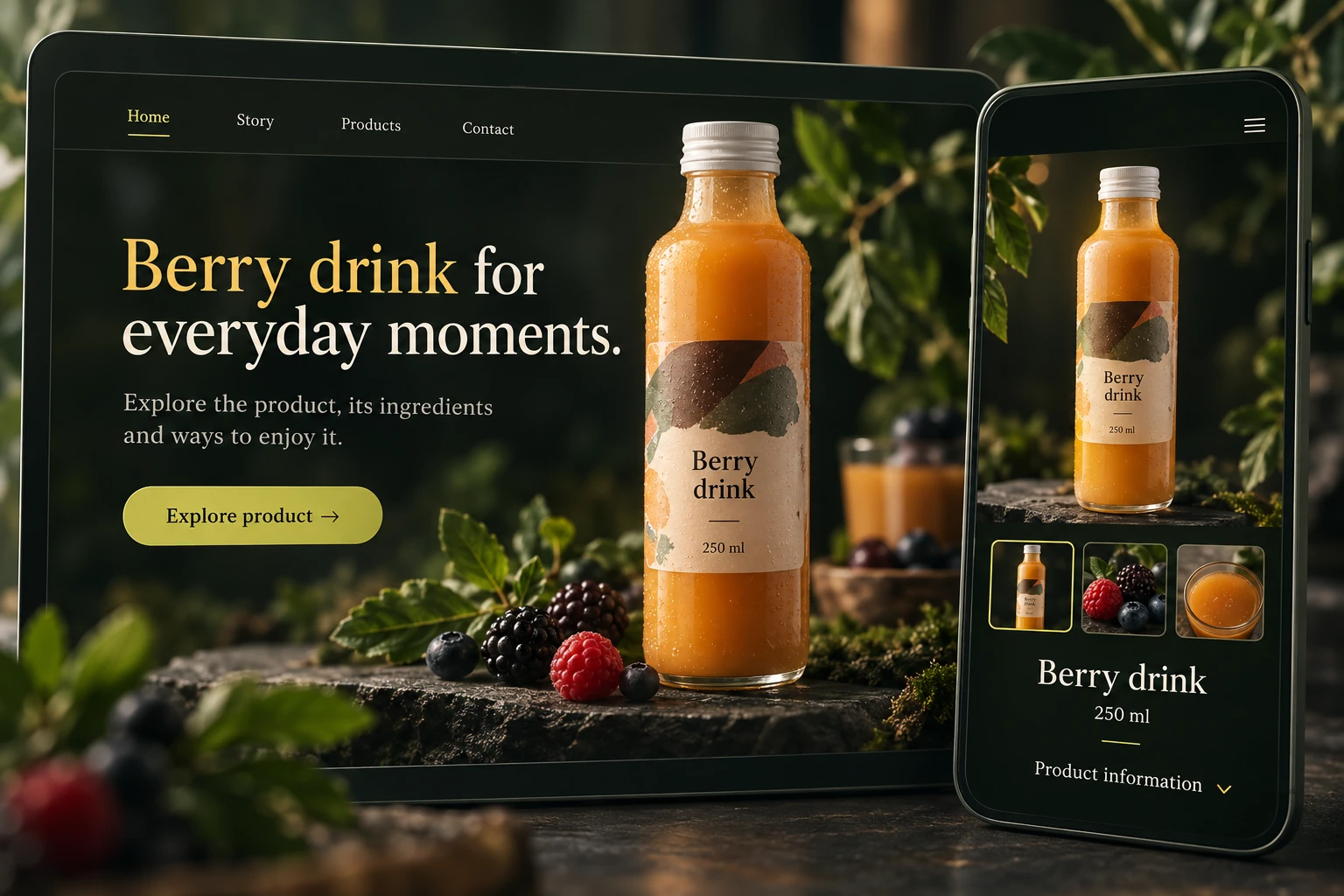
- Bespoke public design
- Desktop and mobile layouts
- Product and content pages
A clear route to information.
The website connects its homepage, product offering and informational pages. Product pages present descriptions and image galleries; separate content pages explain your company and provide practical information. Service presentation can be adapted during implementation. The navigation and number of pages are agreed around the content your organisation needs.
- Homepage
- Product pages
- Informational pages
- Contact
Editable fields. A clear sequence.
Edit the name, address, HTML content and search descriptions of individual CMS pages. Saved pages can be opened in a preview; draft and publication settings are available. The public homepage layout is adapted during development. AI drafting and text correction controls provide optional assistance, with an editor reviewing the content.
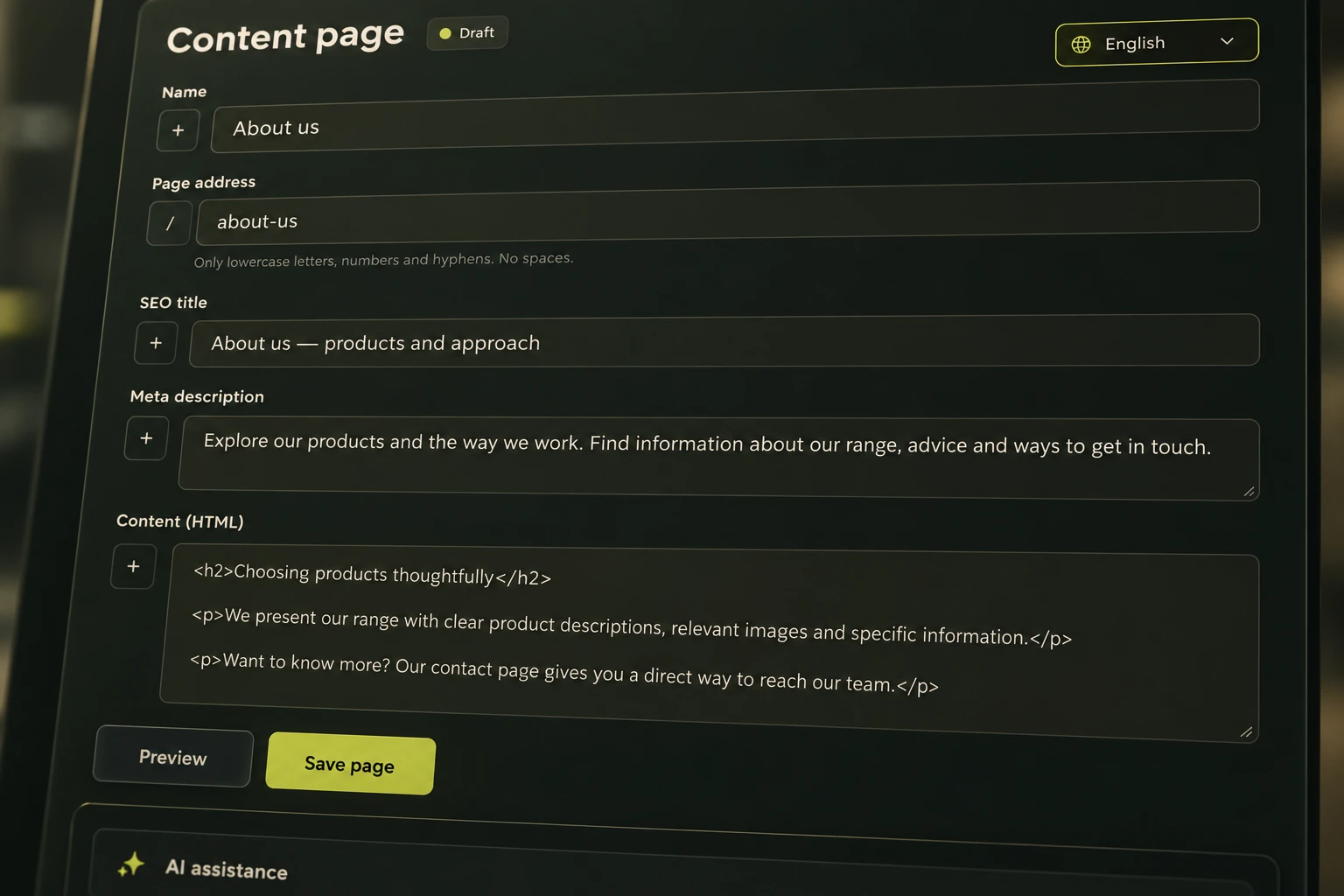
- Page name and address
- HTML content and SEO fields
- Save and preview
Images and video for your content.
The media area provides image and video uploads, filename search and images for content blocks. In the product editor, images can be assigned main-image and gallery roles. Separate video compression controls support media preparation. Placement on public pages is aligned with the chosen design and the agreed scope of editable content.
- Image and video uploads
- Main image and gallery
- Images in content blocks
Each language has its own content.
Content fields have separate language tabs, translation controls and SEO titles and descriptions. The existing solution uses German, English, French and Italian; additional languages are adapted during implementation. Interface and content localisation are coordinated. An editor reviews AI-assisted translations and search descriptions before they are published.
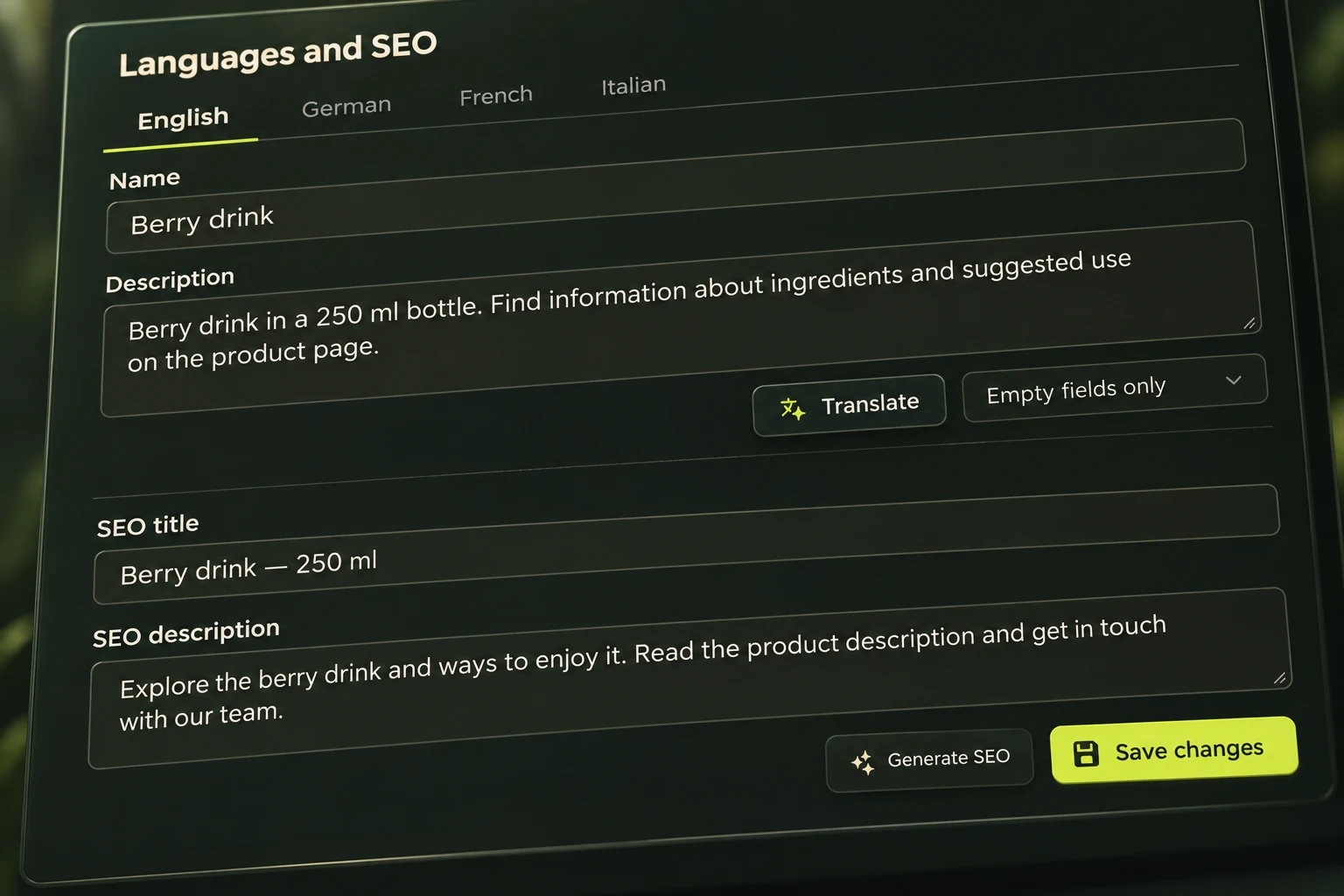
- Separate language fields
- Translation assistance
- SEO titles and descriptions
Views, visitors and pages.
Review page views, visitors and changes over a selected period using the site’s own measurement data. Popular-page and device reports are also available, helping you understand which content people use. External marketing reporting connections are selected and configured separately; they are not required for the local reports shown here.
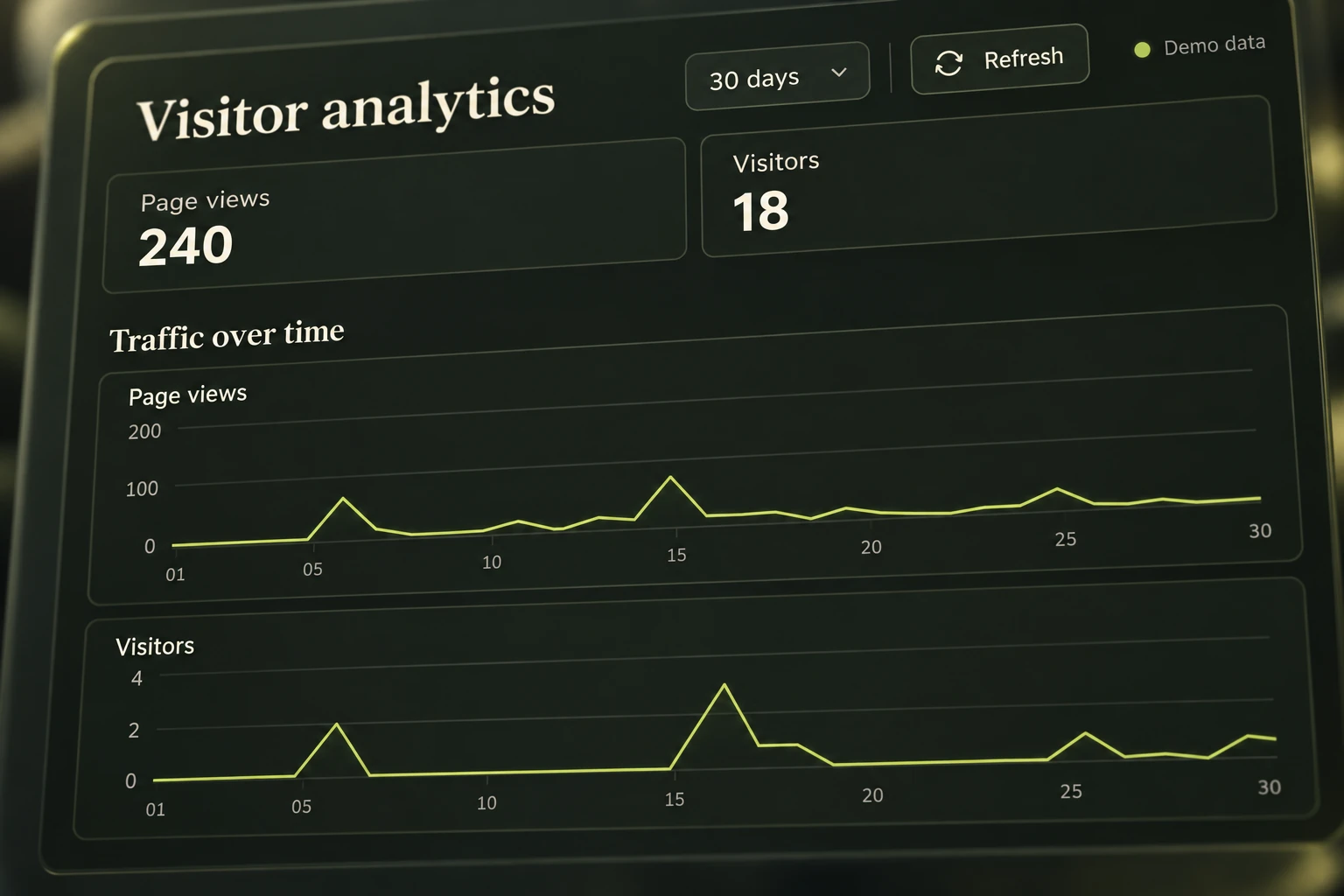
- Period selection
- Traffic over time
- Popular pages and devices
Access and data backups.
Administrator and operator roles support work in the management area. The data section provides a backup download, an automatic backup frequency setting and a history of stored backups. Handover defines who receives access, how backups are retained and who handles ongoing maintenance, separating daily content work from project administration.
- Administrator and operator roles
- Data backup download
- Automatic backup history
A project you can keep developing.
Design, pages, languages and required connections are agreed during implementation. Source code, project data, access and documentation are handed over as agreed, allowing another team to continue development. Third-party services and licences have separate terms. A compact sales module can be configured as an optional extension when needed.
- Content and design scope
- Source code and project data
- Access and documentation
- Ongoing maintenance arrangements